
 Contact Us
Personal Groups
The people you choose most often organized your way.
Groups let each First Then Next® user organize people they are permitted to view into personal collections—making it faster to invite, communicate with, and connect with several people at once.
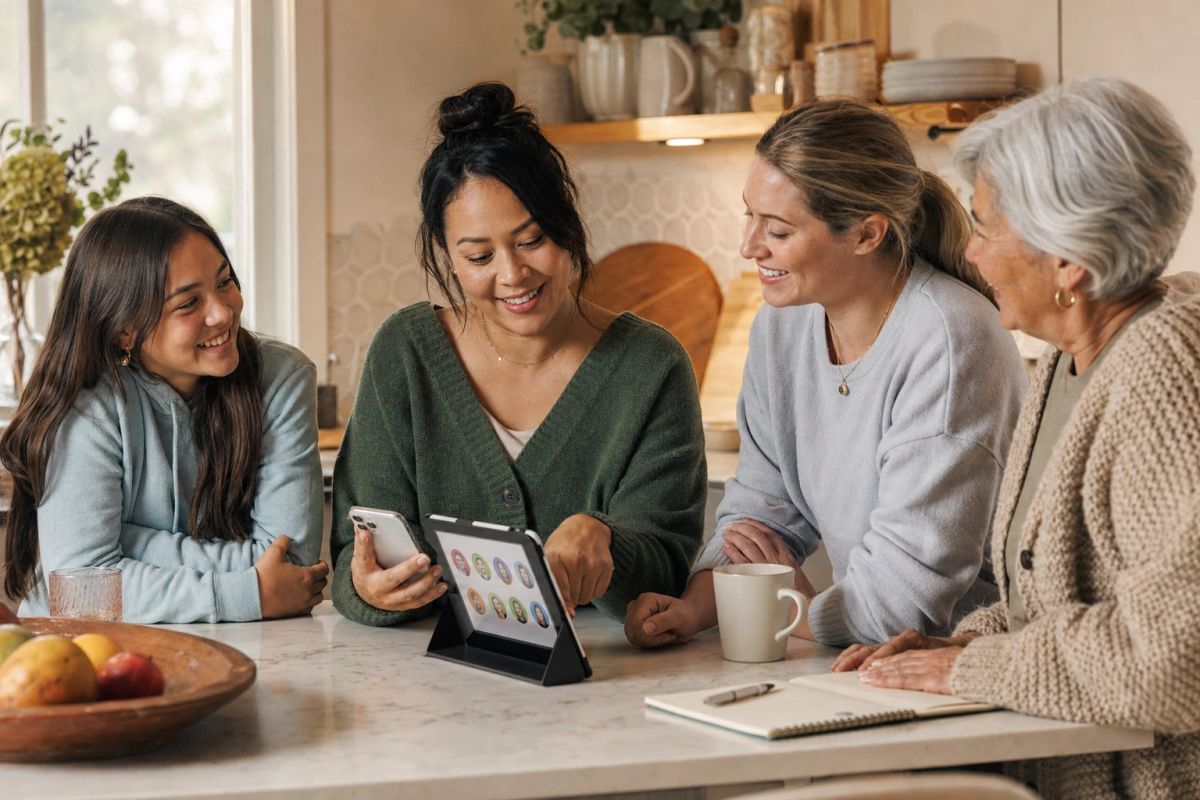
Personal Group examples
Three complementary layers
Belong together. Do things together. Connect personally.
Communities, Teams, and Groups answer three different questions without forcing every relationship into one structure.
Communities
Where do we belong?
Bring people together around a family, school, workplace, organization, program, or another common connection.
Teams
What do we do together?
Organize people around a shared sport, class, activity, club, workplace purpose, or recurring plan.
Groups
Who do I personally interact with most often?
Create personal collections from the people you are permitted to view, then reuse them for Events and Posts.
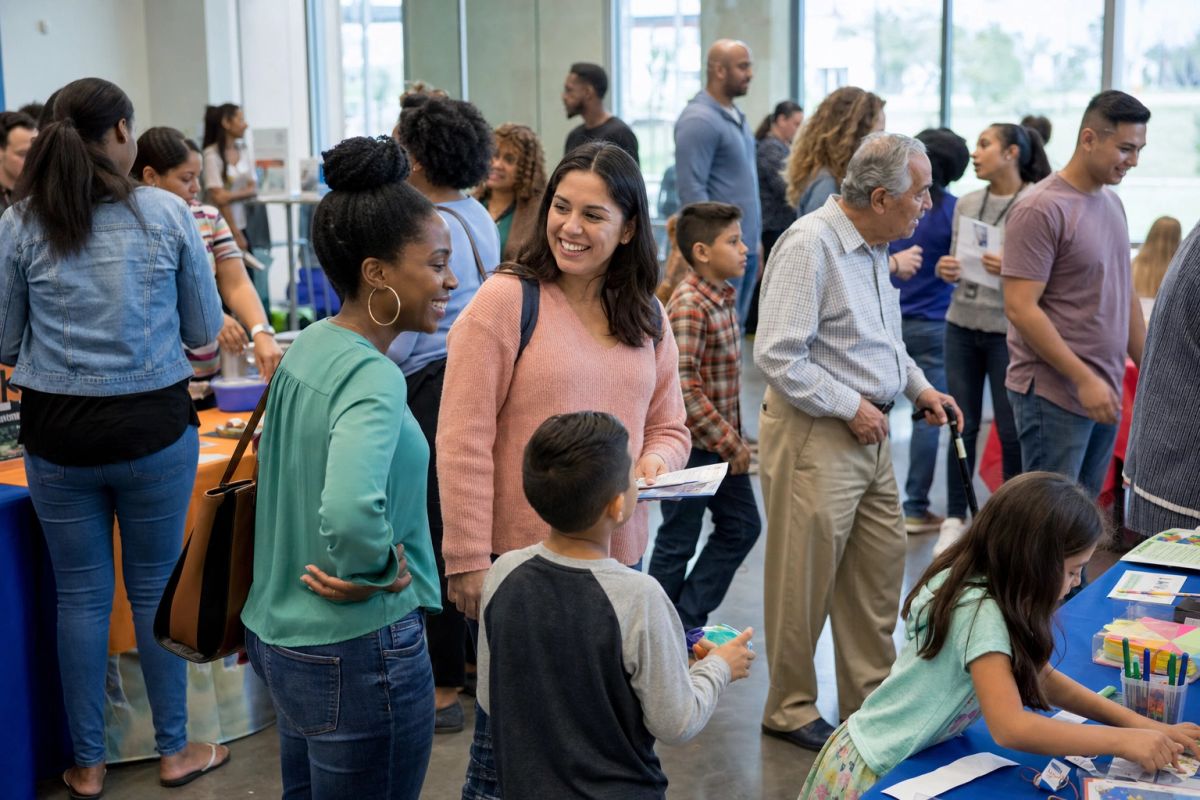
Personal by design
Your Group organizes your relationships not everyone else’s.
A Group is a personal collection created and managed by an individual user. It is not another shared Community or Team space, and it does not create new access to people or information.
- Choose only from people you are already permitted to view
- Name Groups around the way you personally organize your life
- Reuse a Group instead of selecting the same people one at a time
- Keep Community and Team membership unchanged
Create the collections that match your life
One person may organize the same relationships in several useful ways.
These are examples of personal Groups—not prescribed categories.
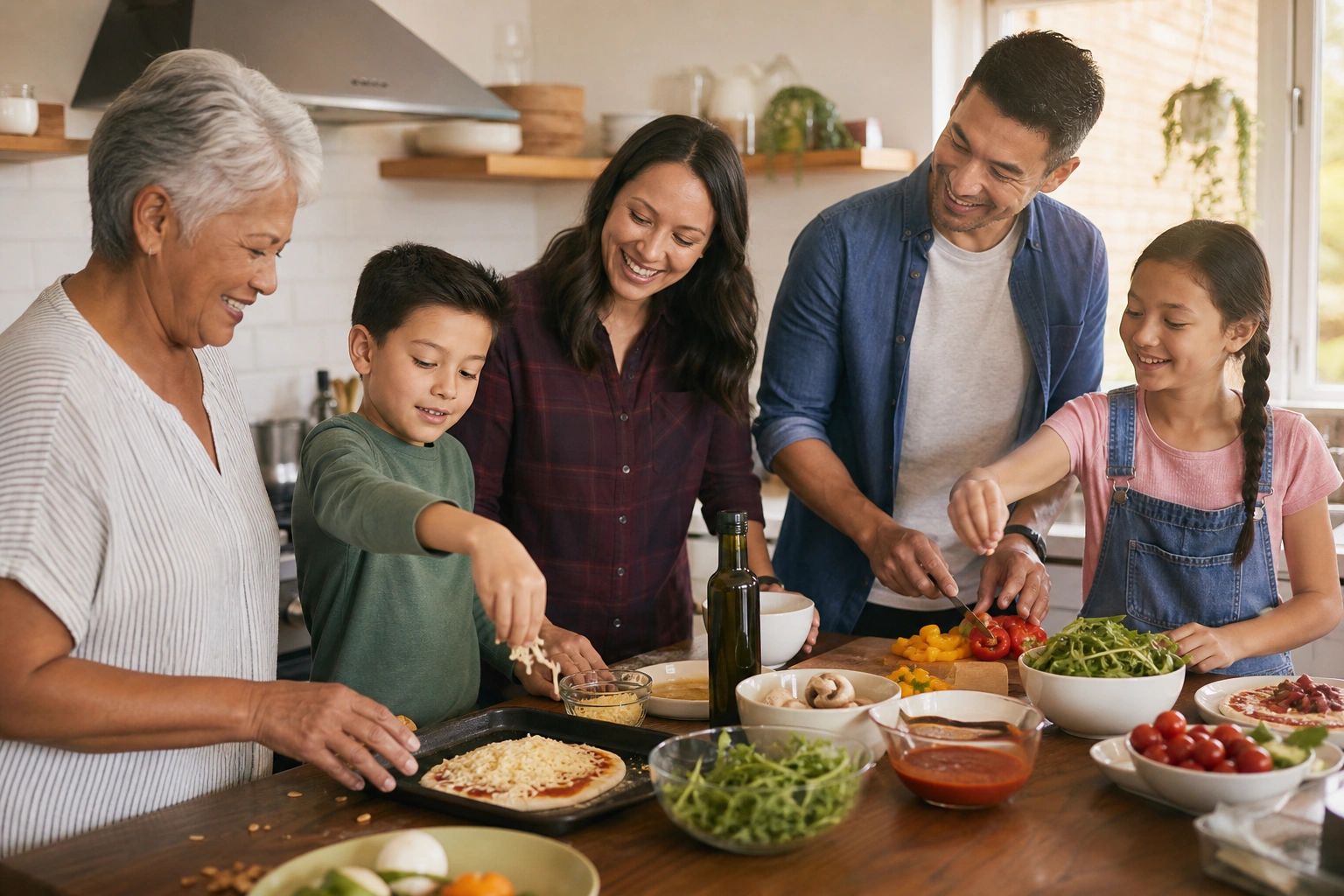
Close Family
The relatives and loved ones someone invites most often.
Soccer Parents
The adults coordinating practices, games, rides, and Team events.
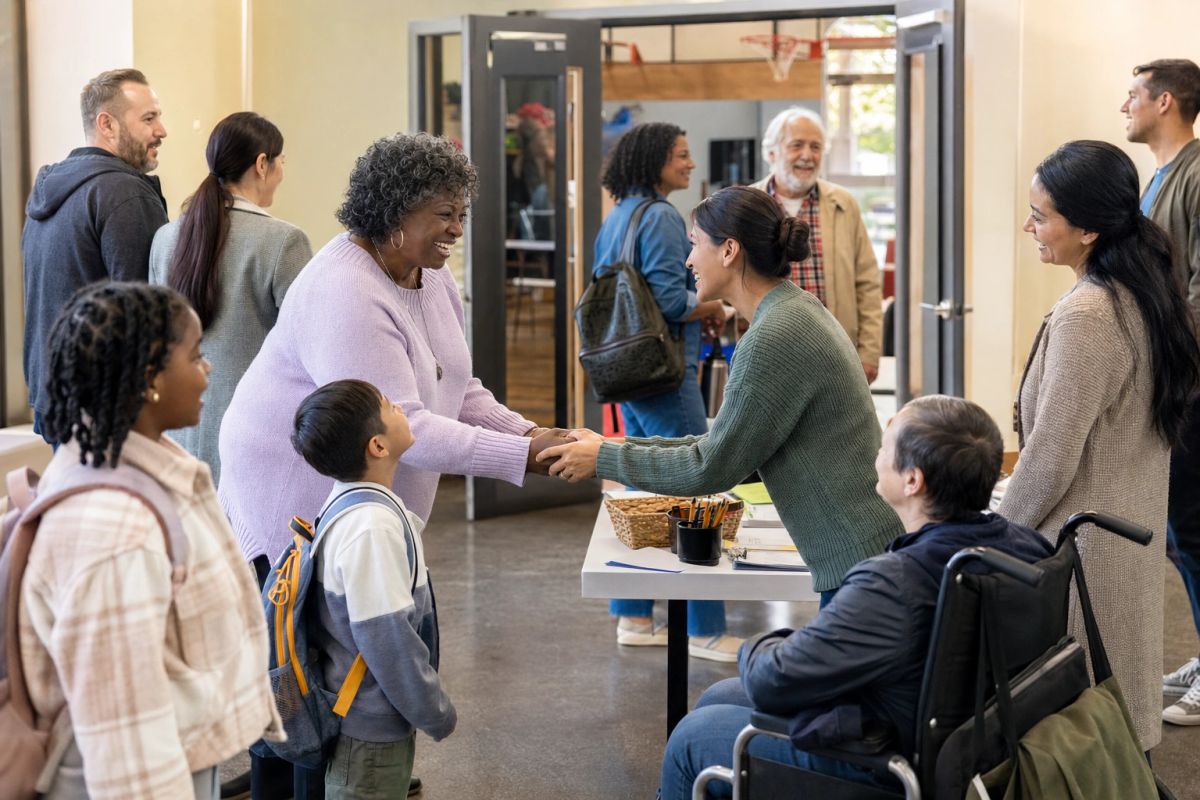
Saturday Volunteers
The people who regularly help with a program or community activity.

Transportation Helpers
The trusted people someone commonly includes in ride plans and event details.
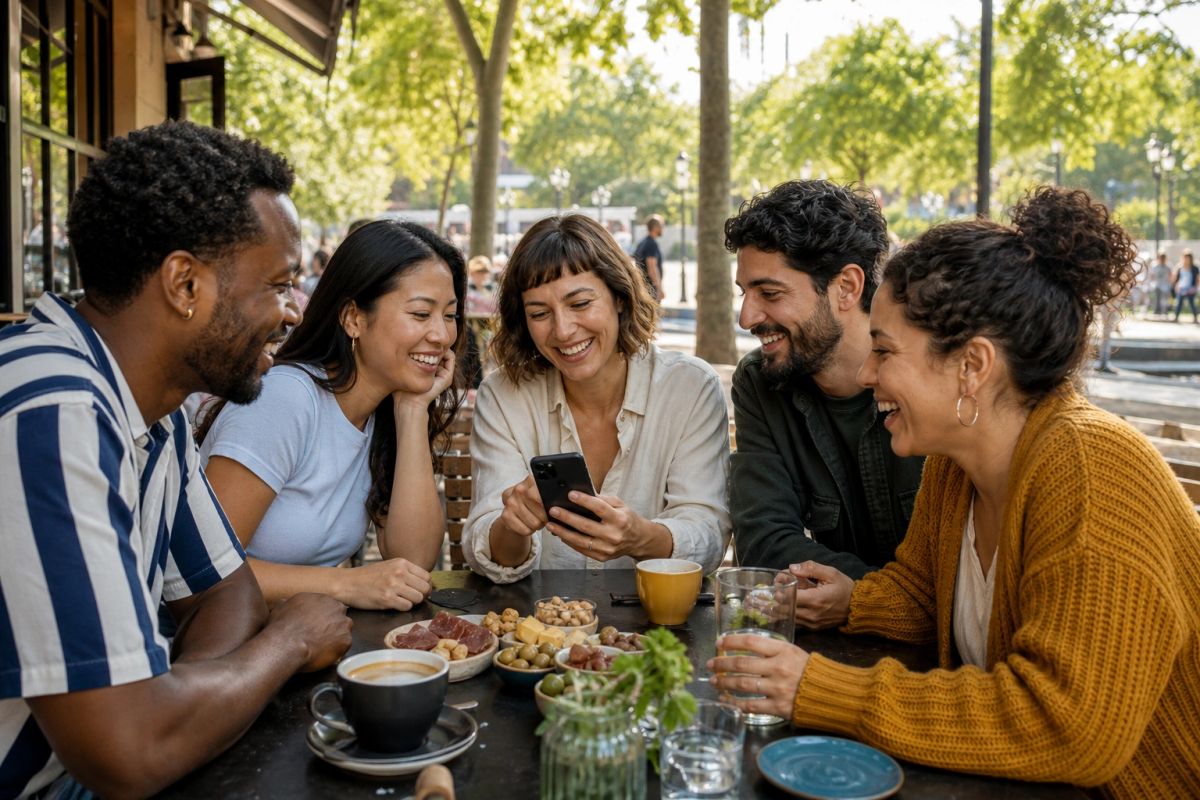
Close Friends
A personal circle for invitations, updates, photographs, and shared plans.
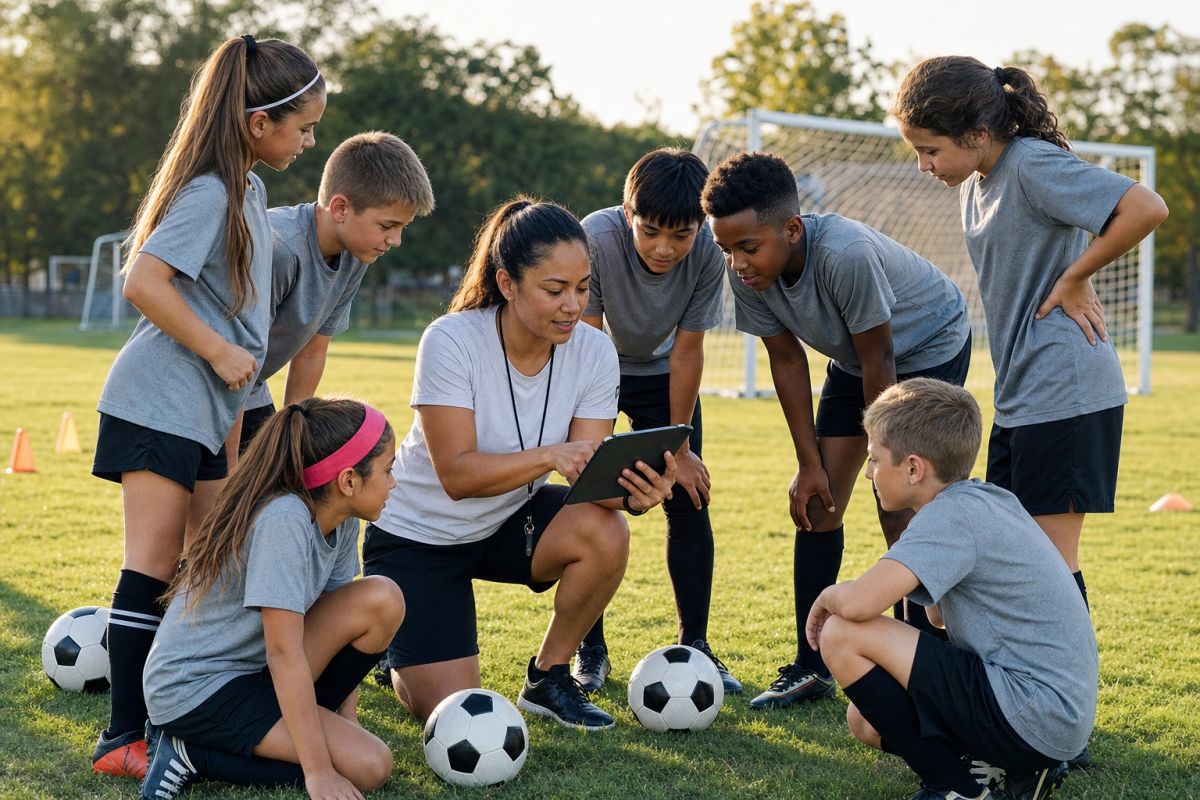
Favorite Coaches
The coaches and service providers someone contacts across recurring activities.
Managing a Group
The creator manages the collection. Every person keeps a choice.
Membership rules keep personal organization simple while respecting each invited person.
Creator invites
The Group creator may invite additional permitted people to join the Group.
Person chooses
Each invited person may accept or decline the invitation.
Creator manages
Only the Group creator may remove another member from that Group.
Member may leave
Any Group member may remove themselves at any time.
Select once. Include the right people together.
Use one or more Groups when creating Events or Posts.
Instead of selecting the same people individually each time, choose the personal Group—or combination of Groups—that fits the moment.
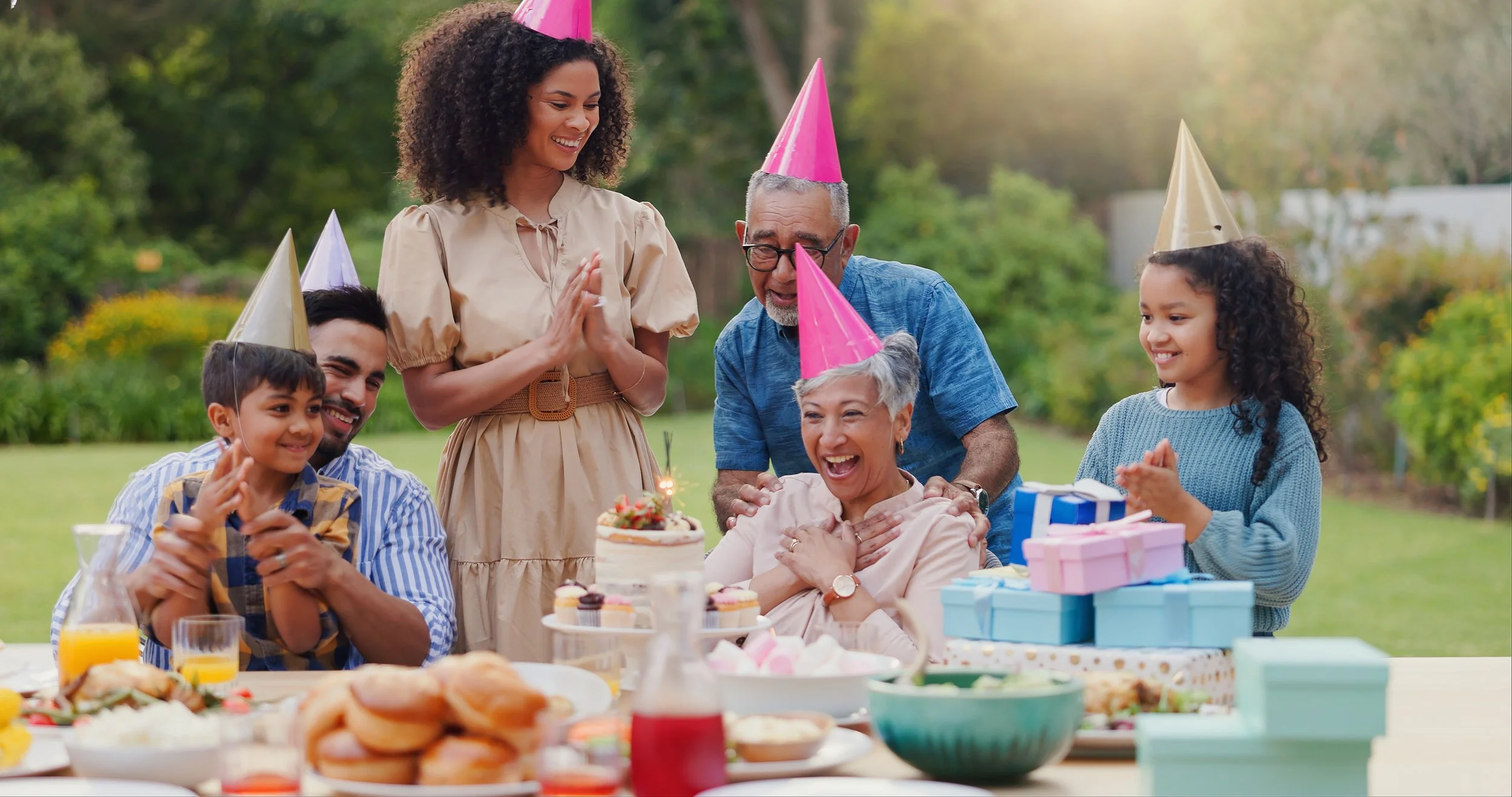 EVENT
EVENTCreating Events
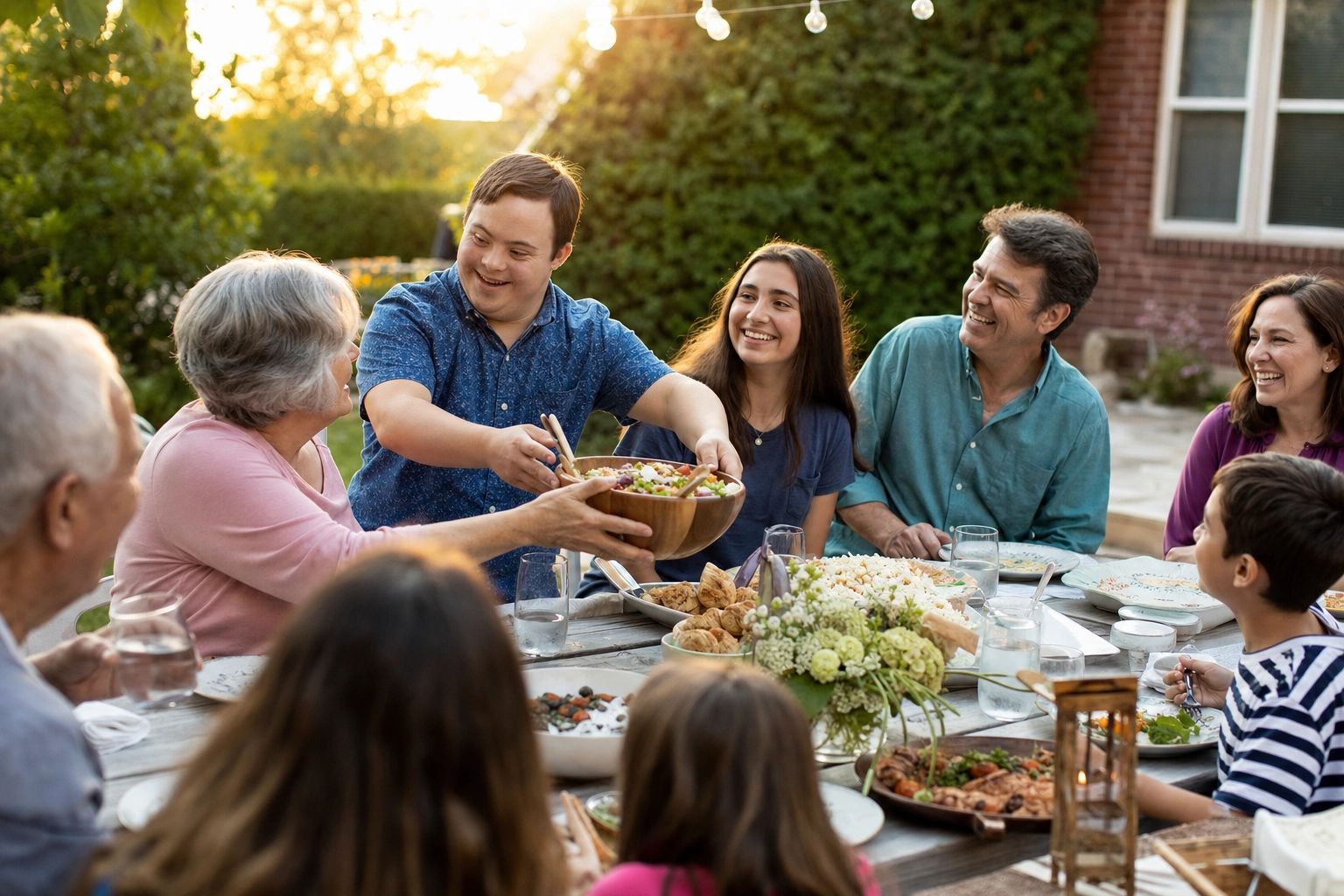
Invite the people who commonly participate in a dinner, practice, ride plan, family gathering, appointment, or recurring activity.
Personal Groups selected
 POST
POSTCreating Posts
Share a permitted photograph, video, note, update, success, challenge, or important moment with the personal circle that should receive it.
Personal Groups selected
Organize the people you choose most often once.
Then use your personal Groups whenever an Event or Post should include the same trusted people.