
 Contact Us
Accessible ways to see the day,
communicate, and take part.
First Then Next combines a visual calendar, readable event details, read-aloud, photographs, videos, notes, visual alerts, and compatibility with supported assistive technologies. People can use the features that fit how they see, hear, move, understand, and communicate.

More than one way to use First Then Next.
The application brings visual, written, spoken, and device-supported options together so each person can use the combination that works best for them.
See and understand the day
Meaningful event images, clear First–Then–Next sequence, dates, times, familiar people, locations, and preparation help make the day easier to understand.
Read, hear, and follow
Readable text, visual alerts, read-aloud, screen-reader compatibility, and predictable placement provide different ways to receive and follow information.
Navigate with supported controls
Keyboard, switch, eye-control, voice-control, magnification, and device-level accessibility behavior can support navigation through the application.
Communicate in different ways
People can share notes, photographs, videos, reactions, mood or wellness updates, and their preferences with the permitted people in their circle.
How First Then Next supports accessible participation.
Each area below describes features available within First Then Next or compatibility with supported browser, device, and assistive-technology settings.

Blindness and Low Vision Support
First Then Next presents calendar and communication information in forms that can be read, enlarged, and reinforced visually.
- Screen-reader compatibility with structured navigation and content
- Text resizing, magnification, and mobile pinch-to-zoom
- Adjustable color and contrast choices for visual comfort
- Text, icons, and structure reinforce meaning instead of relying on color alone
Physical and Motor Accommodations
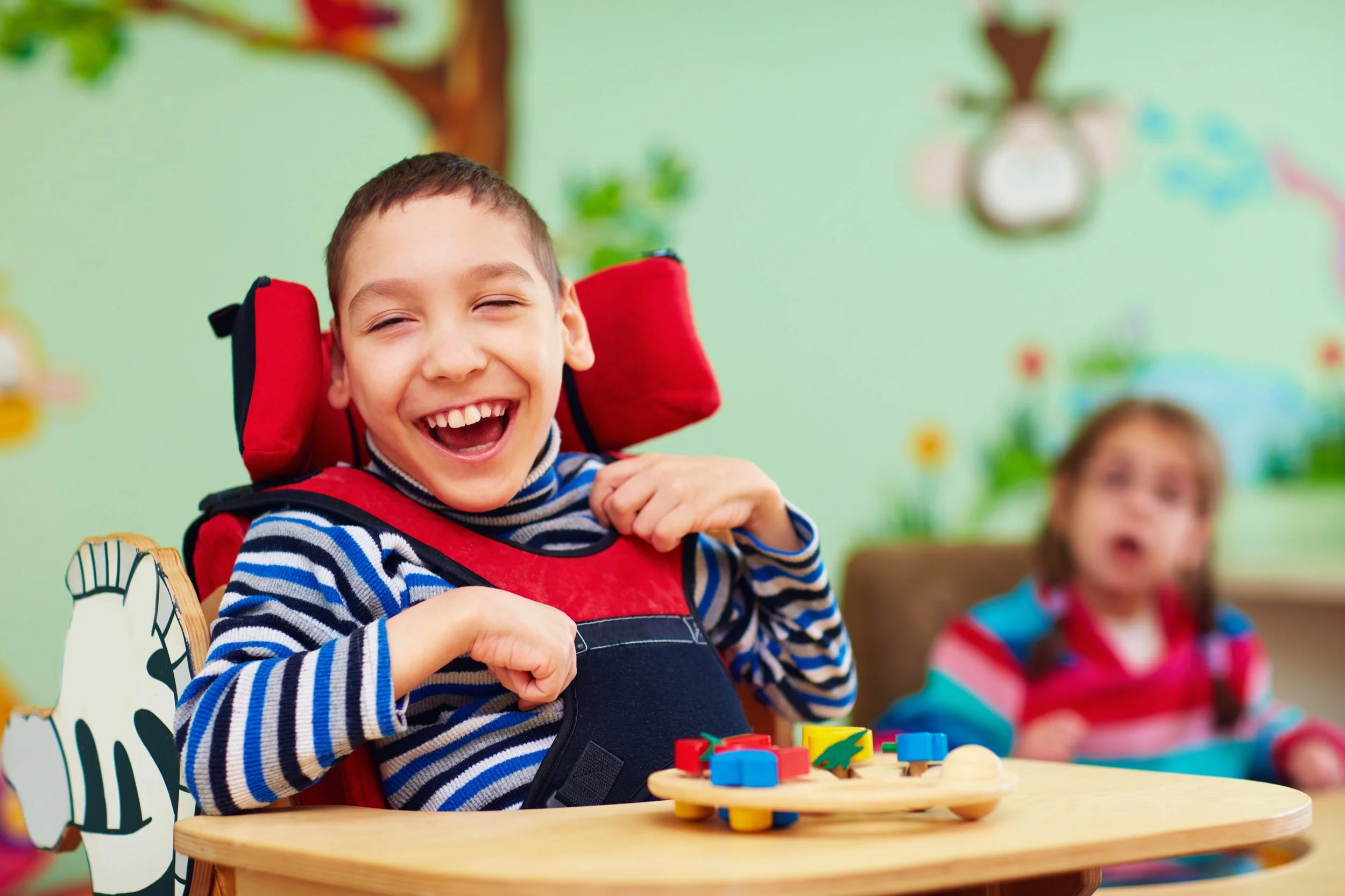
First Then Next can be navigated with supported alternatives to precise touch or mouse interaction.
- Keyboard, switch interface, and eye-control compatibility
- Voice-control options through supported device features
- Generous spacing and forgiving interaction targets
- Predictable controls that reduce unnecessary precision and movement

Neurodiversity and Cognitive Accommodations
First Then Next uses clear language, meaningful images, and a predictable visual structure to support different ways of learning, focusing, remembering, and processing information.
- Direct, plain-language prompts and event information
- Visual icons paired consistently with text labels
- Predictable placement of menus, prompts, buttons, and next steps
- Built-in read-aloud for people who process language more easily by listening

Expressive and Non-Speaking Communication
Within First Then Next, communication can include images, choices, updates, and shared experiences—not speech alone.
- Visual prompts for non-speaking, minimally speaking, or selectively speaking people
- Photographs as a direct way to communicate a person, place, activity, need, or moment
- Notes, videos, reactions, and recognizable choices
- Mood, daily outlook, and wellness updates shared with permitted people
Deaf and Hard-of-Hearing Accommodations
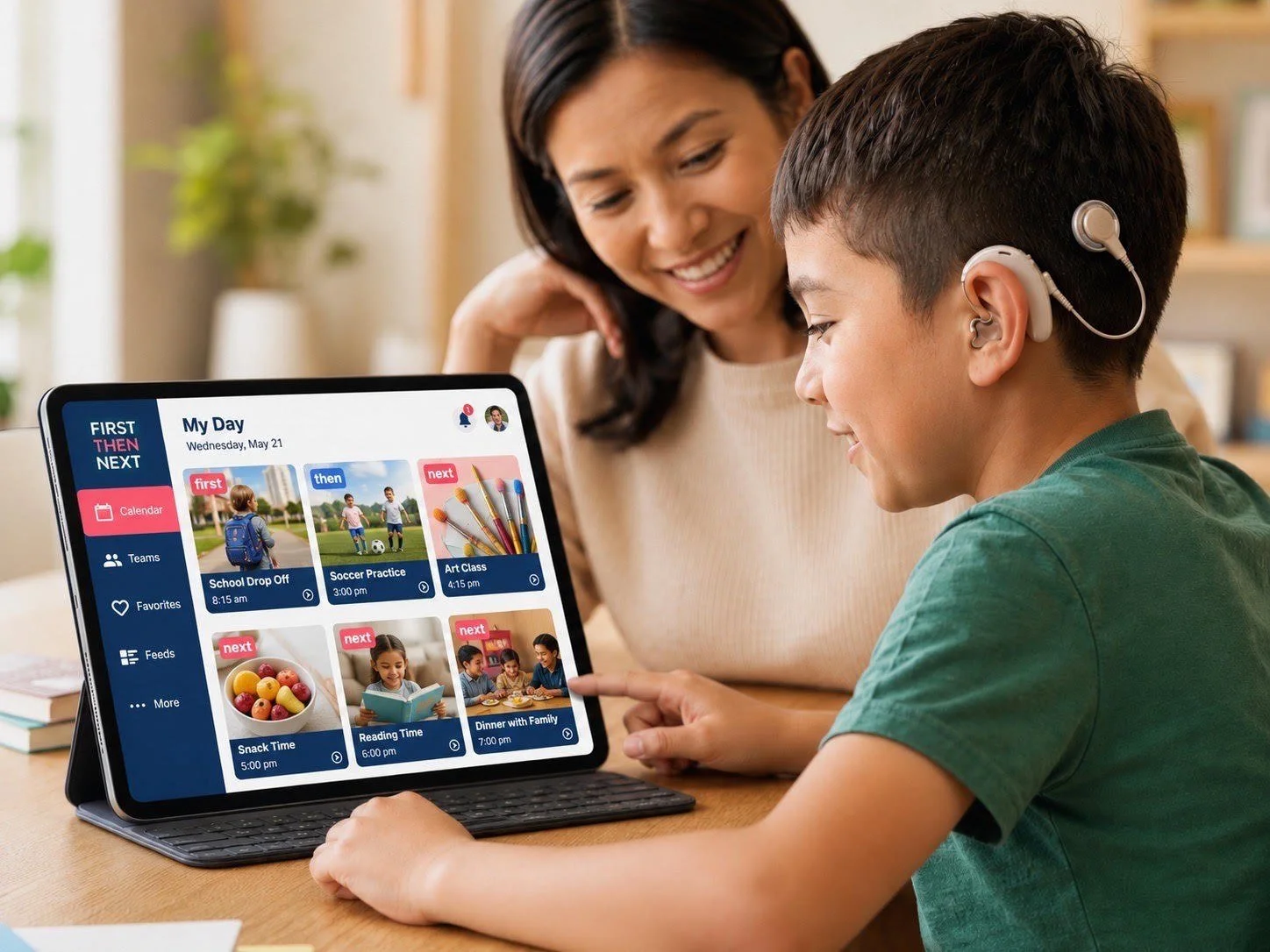
First Then Next offers essential calendar, event, Feed, and notification information in a visual format rather than depending on audio alone.
- Text-first event details, prompts, updates, and communication
- System notifications paired with prominent visual alerts
- Persistent visual notifications remain available until reviewed
- Text overlays, captions where present, and visual alerts scale with interface preferences

Multilingual and Interpersonal Features
First Then Next provides flexible language and speech options that can help families and trusted circles communicate more naturally.
- Configurable voice choices for read-aloud and speech output
- Support for multiple languages, dialects, and pronunciation settings
- Distinct voice choices can help separate system text from user-created speech
- Text can be copied into compatible literacy, communication, or translation tools

Accessibility woven into everyday planning and connection.
A person can use First Then Next to understand what is happening, prepare for change, communicate about an experience, and remain connected with the permitted people who support and care about them.
Prepare
Use images, sequence, time, event details, and read-aloud to understand what comes next.
Navigate
Use touch or supported keyboard, switch, eye-control, and voice-control options.
Express
Share words, photographs, videos, choices, reactions, mood, and daily updates.
Connect
Participate in permitted Calendars, Communities, Teams, Events, and Feeds.
Use the supports that fit. Keep trusted people connected.
First Then Next combines personal profiles, permissions, roles, linked accounts, familiar people, and individual calendar information so accessible support can reflect the person’s actual life.
Personal information can guide support.
Permitted profile and calendar information can help trusted family members, service providers, and AI assistants provide more relevant preparation, reminders, and guidance.
Support the whole personPermissions keep sharing intentional.
Calendar events, photographs, videos, notes, updates, and personal information are shared within private, permission-based relationships and invited circles.
Private and permissionedAccessibility grows through testing, listening, and improvement.
Assistive technology, browsers, devices, and individual configurations can vary. We continue to review First Then Next with Members, families, accessibility professionals, and the people who use these features in daily life.