
 Contact Us
One Community.
Many Teams.
More ways to
participate.
Bring people, focused Teams, shared events, resources, communication, and permitted information into one connected visual experience.
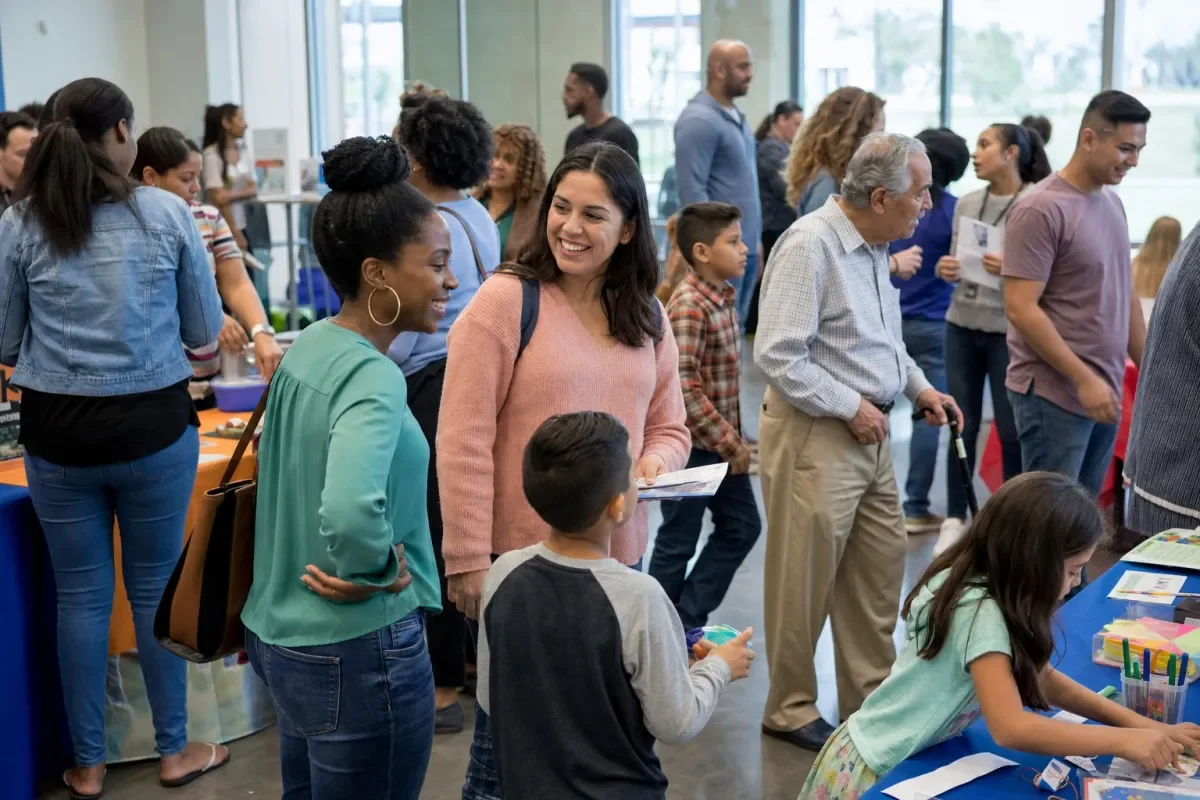
A simple structure for a connected community.
Each layer helps people find the relationships, plans, and information that are relevant to them.
Community
The wider organization or shared purpose.
- People and administrators
- Shared resources
- Community-wide events
Teams
Focused groups with their own participation and plans.
- Classrooms and programs
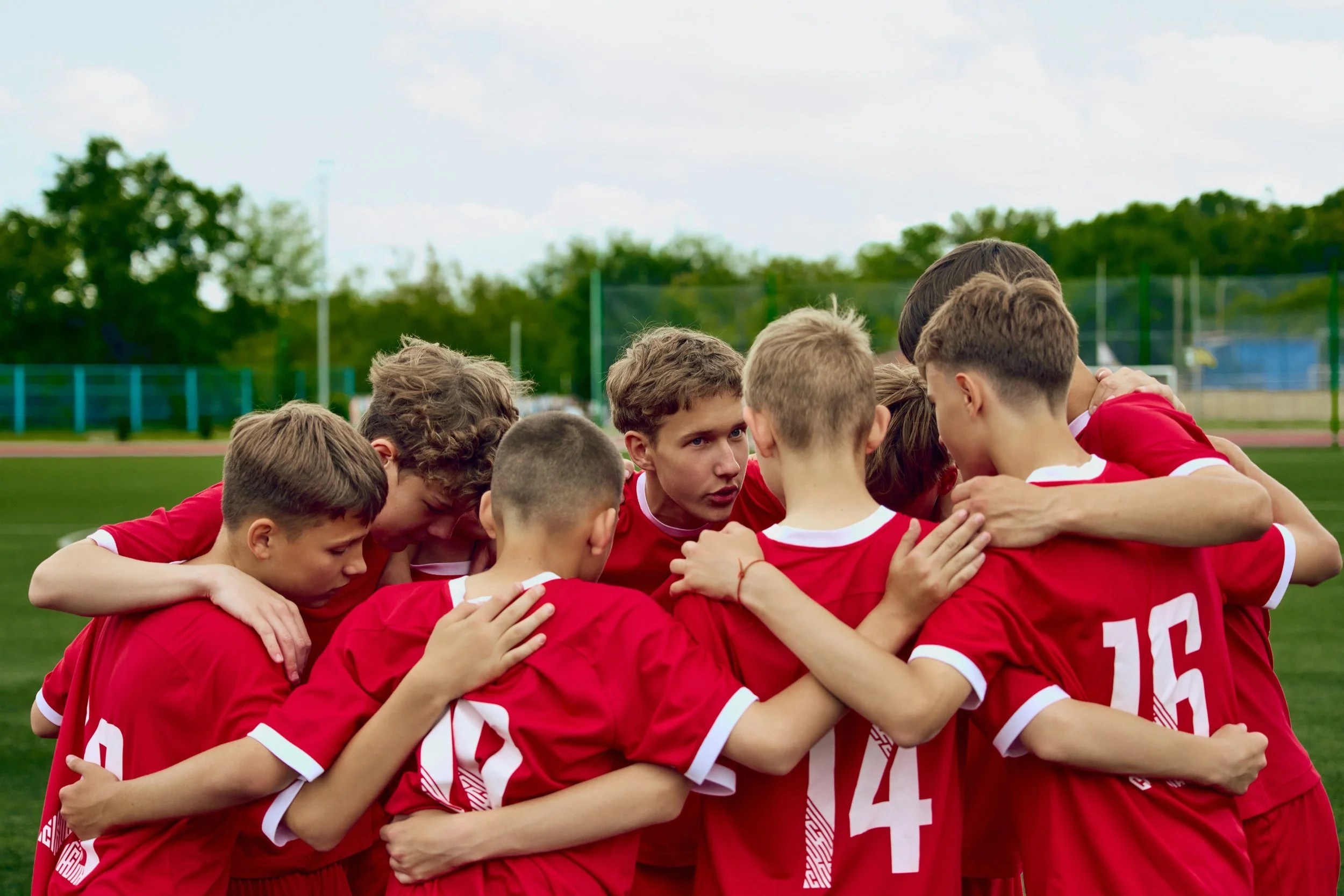
- Sports and activities
- Locations and work groups
Events
The exact moments people need to understand.
- Time and location
- People and preparation
- Photos, notes, and videos
Built around the people who already belong.
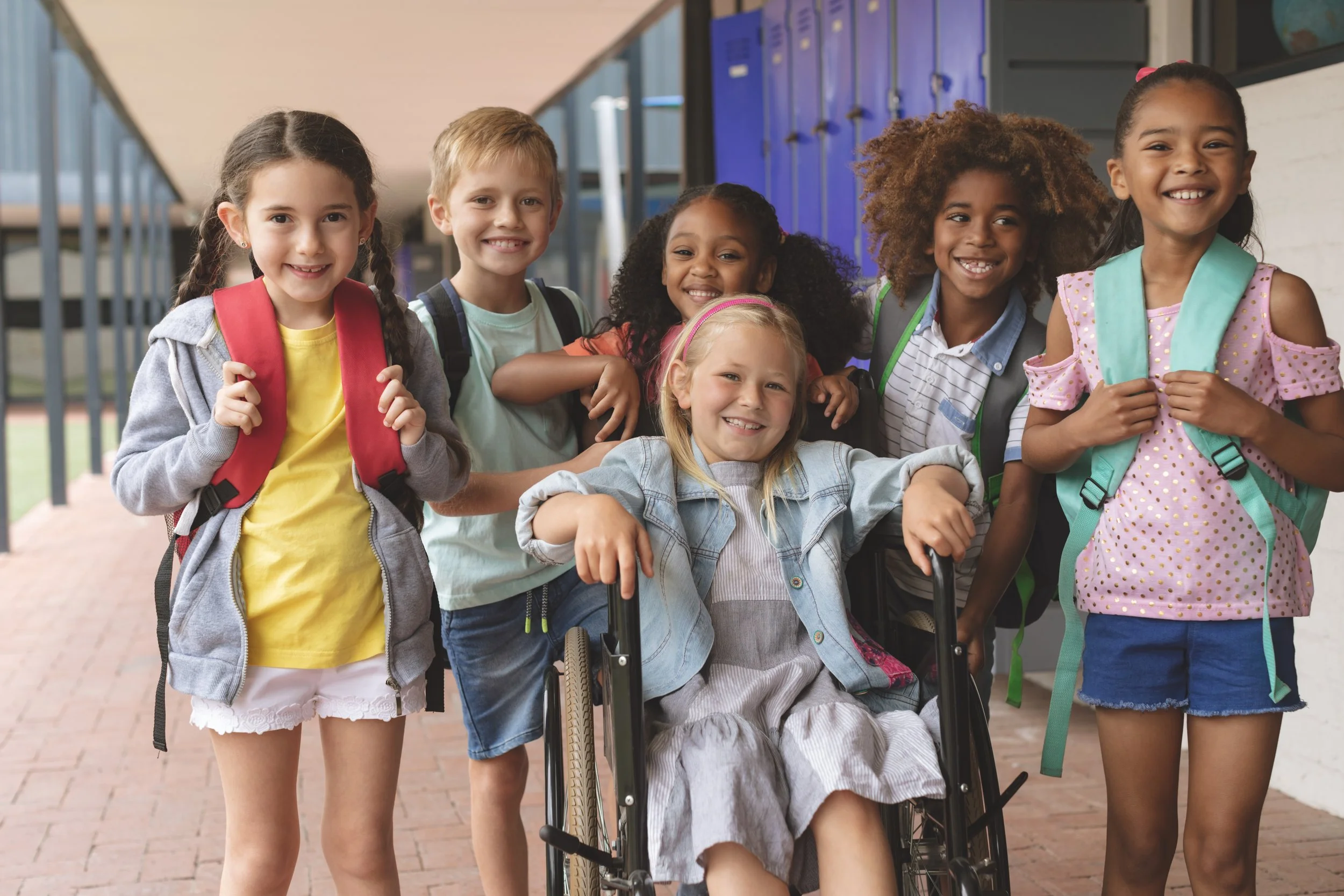
Schools and learning
Classrooms, activities, transportation, field trips, and family communication.
Service organizations
and programs
Programs, services, family support, goals, observations, and progress.

Recreation, clubs, and advocacy
Sports, arts, social events, community outings, and inclusive participation.

Employers and
community participation
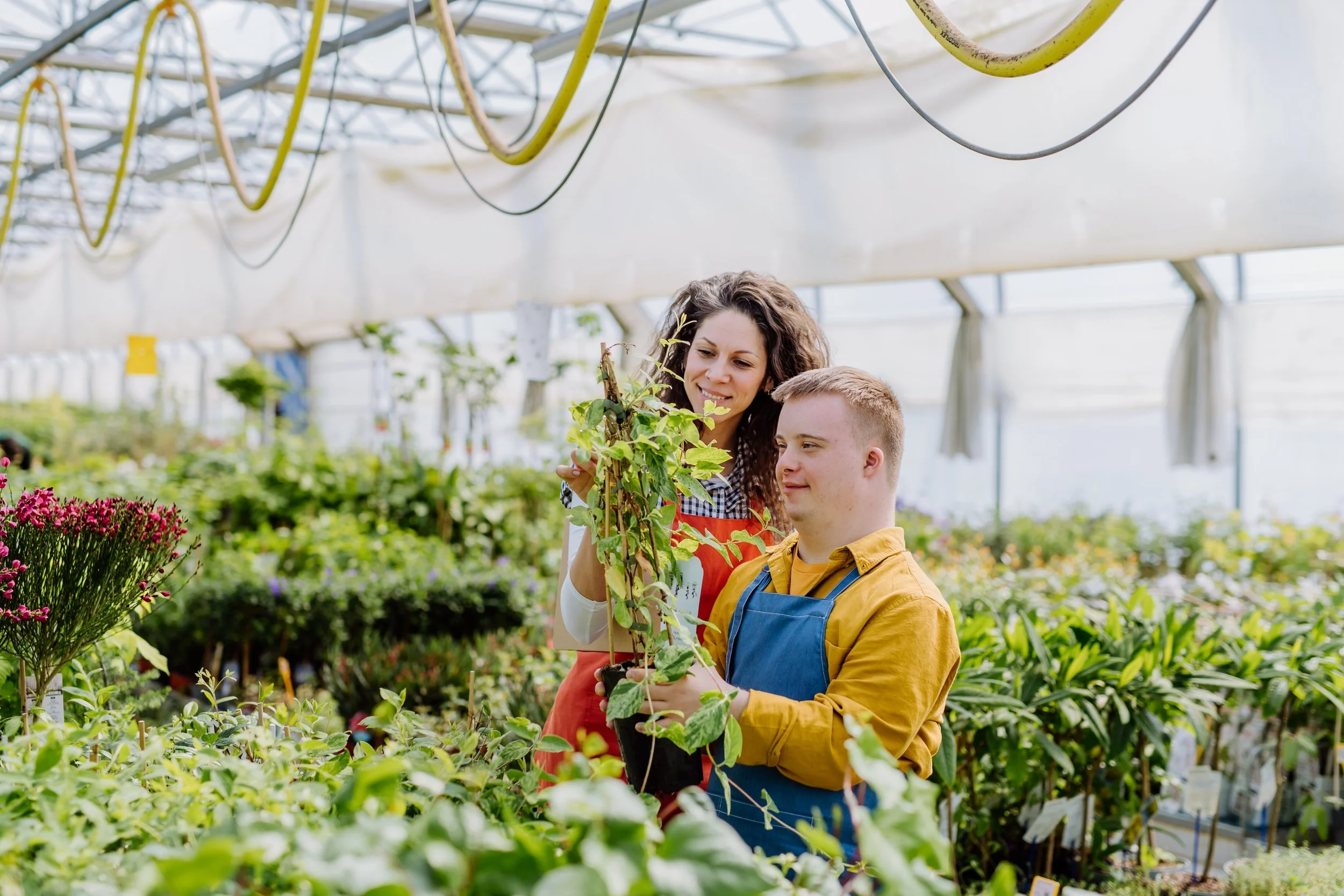
Schedules, tasks, training, volunteering, work, and community contribution.
Help people discover and follow what matters.
Focused Teams can maintain their own events while the wider Community helps people stay connected to shared opportunities and resources.


Tools for community participation.
Create focused Teams
Organize classrooms, programs, sports, services, locations, work groups, or another shared purpose.
Coordinate calendars and resources
Keep events, preparation, photographs, notes, videos, and useful resources connected.
Use roles and permissions
Match each person’s access and responsibilities to their relationship and participation.
Communicate in different ways
Support multilingual communication, read-aloud, visuals, text, photographs, and videos.
Use reports
Bring together permitted observations, progress, important moments, and useful community information.
Use helpful AI assistants
Use only permitted profile and calendar information to help people understand events and needs.
Invite people to the right level of participation.
First Then Next is invitation-only. Community, Team, and event invitations should each communicate a different scope.

Invite someone
Join a Community
Connect to the wider organization, permitted resources, people, and opportunities.
Join a Team
Connect to one focused group, its shared calendar, and the participation that belongs there.
Join an event
Invite someone to one practice, dinner, class, meeting, outing, or celebration.
More ways for people to
participate.
The experience should support people as active members of family and community life—not make accessibility the story.
- Accessible informationMeaningful images, readable structure, screen-reader support, and familiar device behavior.
- Flexible communicationText, visuals, read-aloud, multilingual communication, photographs, notes, and videos.
- Flexible navigationKeyboard, switch, eye-control, voice-control, and device-level accessibility settings.

Bring your Community and its Teams into one
connected view.
Tell us about the people, groups, events, and participation you want to support.